
Please check compatibility if you have an older Fire stick (AbleSign requires FireOS 6 or later). The 'SELECT' branded firesticks do not run FireOS and are not suitable for digital signage.
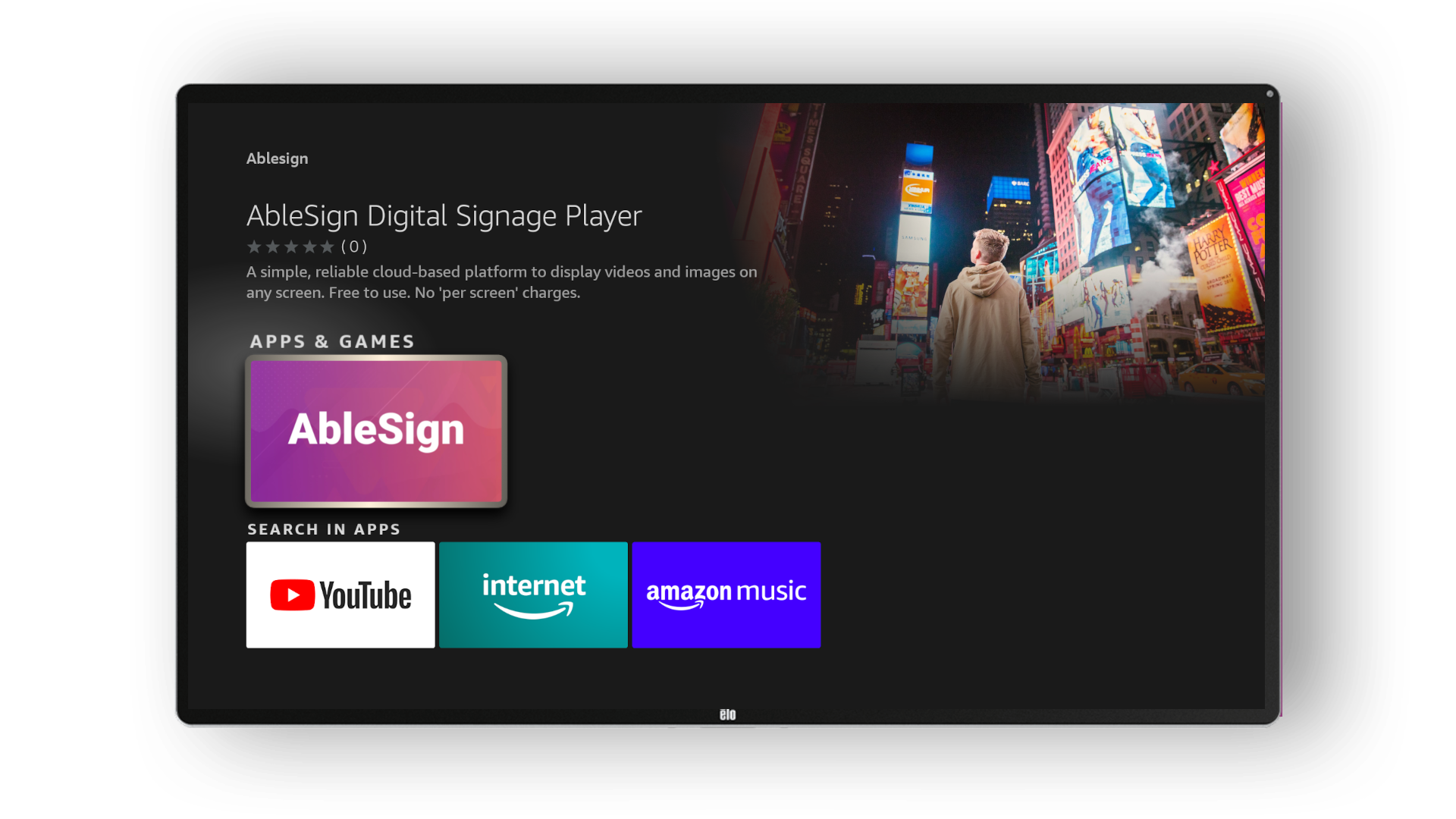
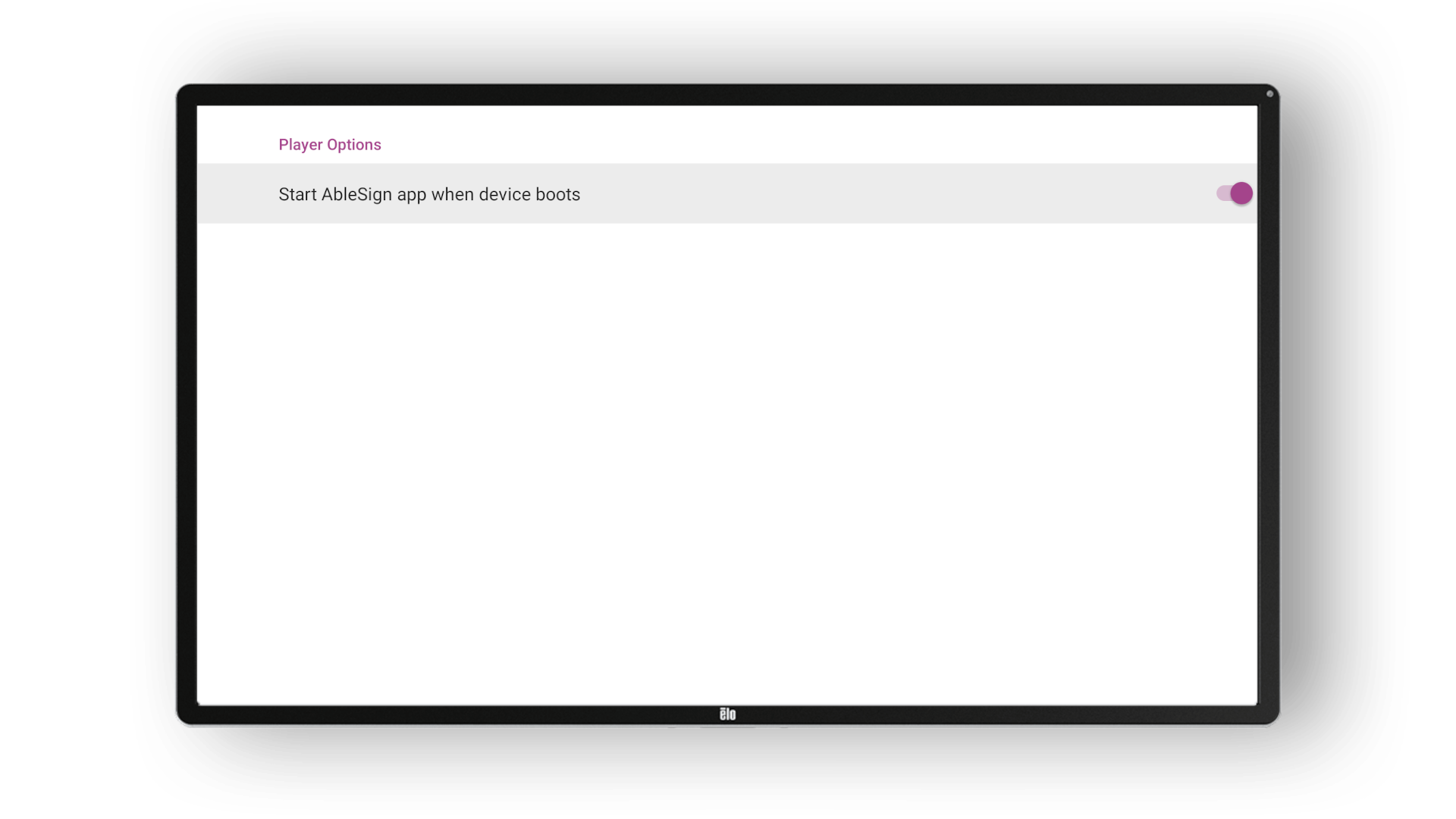
Head to the App Store on your Firestick and search for AbleSign (all one word).
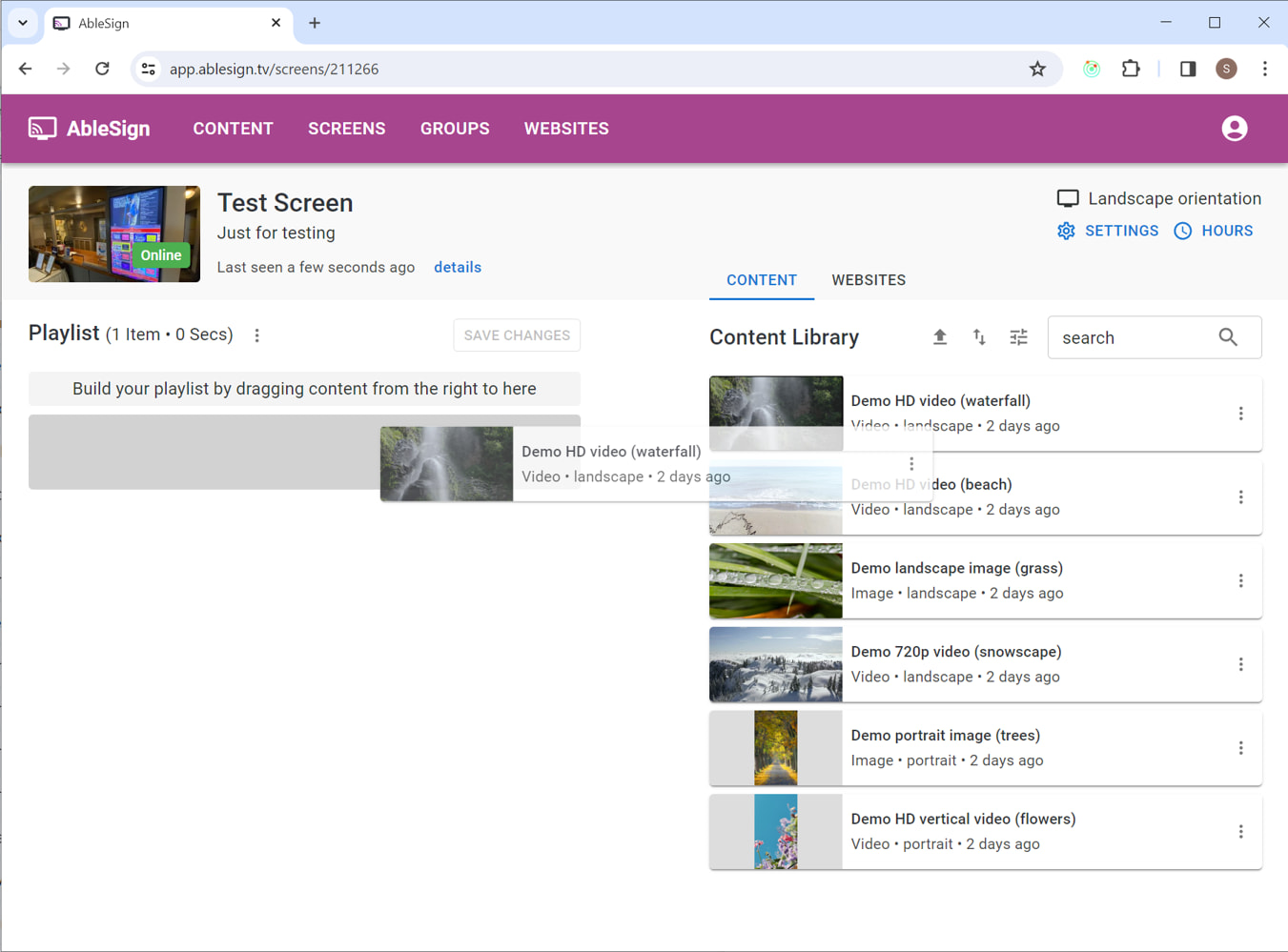
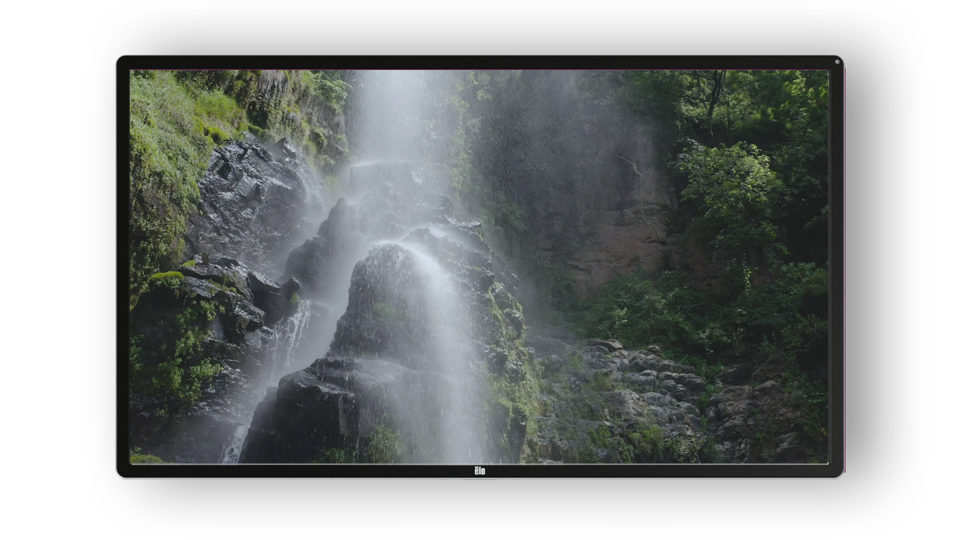
This is where the fun starts. We are now ready to create a playlist and have the digital signage screen display it. Your AbleSign account includes some demo videos and images to help you get started, so let’s use those.
Drag the waterfall video from the right to your playlist on the left.